Guides / Apple Watch
Does Apple Watch Count Walking Pad Steps?
Short answer: yes, it counts some of them. But on a walking pad at a desk it often comes up short, and sometimes by a lot. If your pad says 2 miles and your watch says 0.4, nothing is broken: you're just using the watch in a way it wasn't built to measure.
Why the watch undercounts desk walks
Apple Watch has no way to see the belt moving under you. For an indoor walk, it estimates steps and distance from the motion of your wrist, using your arm swing and stride.
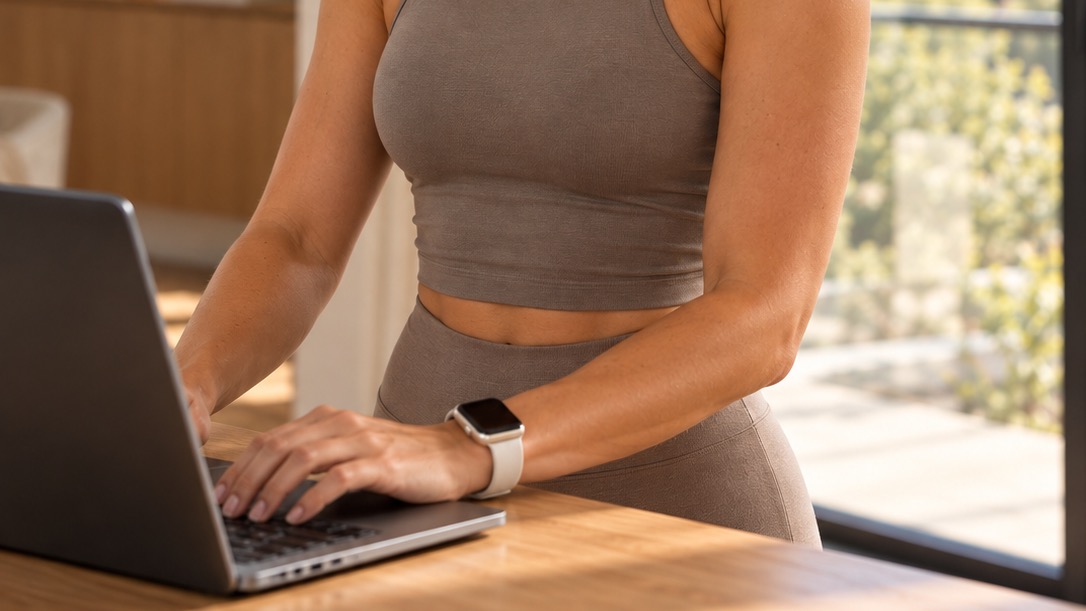
That works well when you walk normally. At a desk, your hands sit on a keyboard or mouse, and your wrist barely moves. Less wrist motion means fewer counted steps, so the distance ends up lower.
People report it all the time. In one Apple Support Community thread, a user's pad showed 1,025 steps and 0.38 miles while the watch logged 32 steps and 0.01 miles for the same walk.
Newer watchOS versions have improved treadmill estimates, but the core limit stays the same: if your arm isn't swinging, the watch has less to go on.
Common workarounds (and their catch)
- Wear the watch on your ankle. It picks up more motion, but heart rate and some features stop working, and the band isn't made for it.
- Hold a phone in your pocket. The iPhone counts steps from your hips, which helps a bit, but it doesn't know your belt speed.
- Start an "Indoor Walk" workout. Better than nothing, but it's still estimating from your wrist.
- Type the numbers in by hand. Accurate, but tedious, and easy to forget.
The reliable fix: speed × time
Your walking pad already tells you the most accurate number there is: belt speed. If the belt runs at 2.0 mph for 45 minutes, you walked 1.5 miles. No guessing from arm swing.
That's the idea behind Walkxr, an Apple Watch and iPhone app for walking pads:
- Start a walk on your watch or iPhone and set your pad's speed.
- Walkxr works out distance from belt speed × active time. Pause it when you step off, and update the speed when you change it.
- When you finish, it saves one workout to Apple Health, so your rings and history show the real distance.
It works with any walking pad or desk treadmill. There's nothing to pair or connect, so it doesn't matter what brand you own. And your miles move you along real-world landmark walks, which makes the daily desk walk a bit more fun.
Quick FAQ
Will it double count with my watch's own steps?
Walkxr saves one walking workout with the distance. If you also run a separate workout on the watch at the same time, you'd get two, so use one or the other.
Do I need a Bluetooth walking pad?
No. You only need to know the speed shown on your pad's display or remote.
Does it work without an Apple Watch?
Yes. You can track from your iPhone too.